“I can't recommend Joe at HandyMack Tech & Home Services enough! He did an incredible job mounting our TV on our outdoor patio. After unsuccessfully trying to install it myself and drilling several unnecessary holes while searching for the studs, I finally decided it was time to call a professional. Joe responded quickly and was able to help right away. His attention to detail is outstanding, and he truly goes above and beyond to make sure the job is done correctly. He took the time to ensure everything was perfectly aligned, securely mounted, and completed to the highest standards. Joe is extremely knowledgeable, professional, and takes great pride in his work. If you're looking for someone who delivers quality workmanship and exceptional service, I highly recommend HandyMack Tech & Home Services. I will definitely be calling Joe again for future projects!”
Home Internet & Wi-Fi
Router setup, mesh Wi-Fi deployment, and dead-zone fixes for Phoenix homes, planned around your walls, not guessed at.
The Done-Right Promise
If a repair or installation fails within 90 days because of my workmanship, I return and fix it at no additional cost. Parts and materials follow their manufacturer warranty.
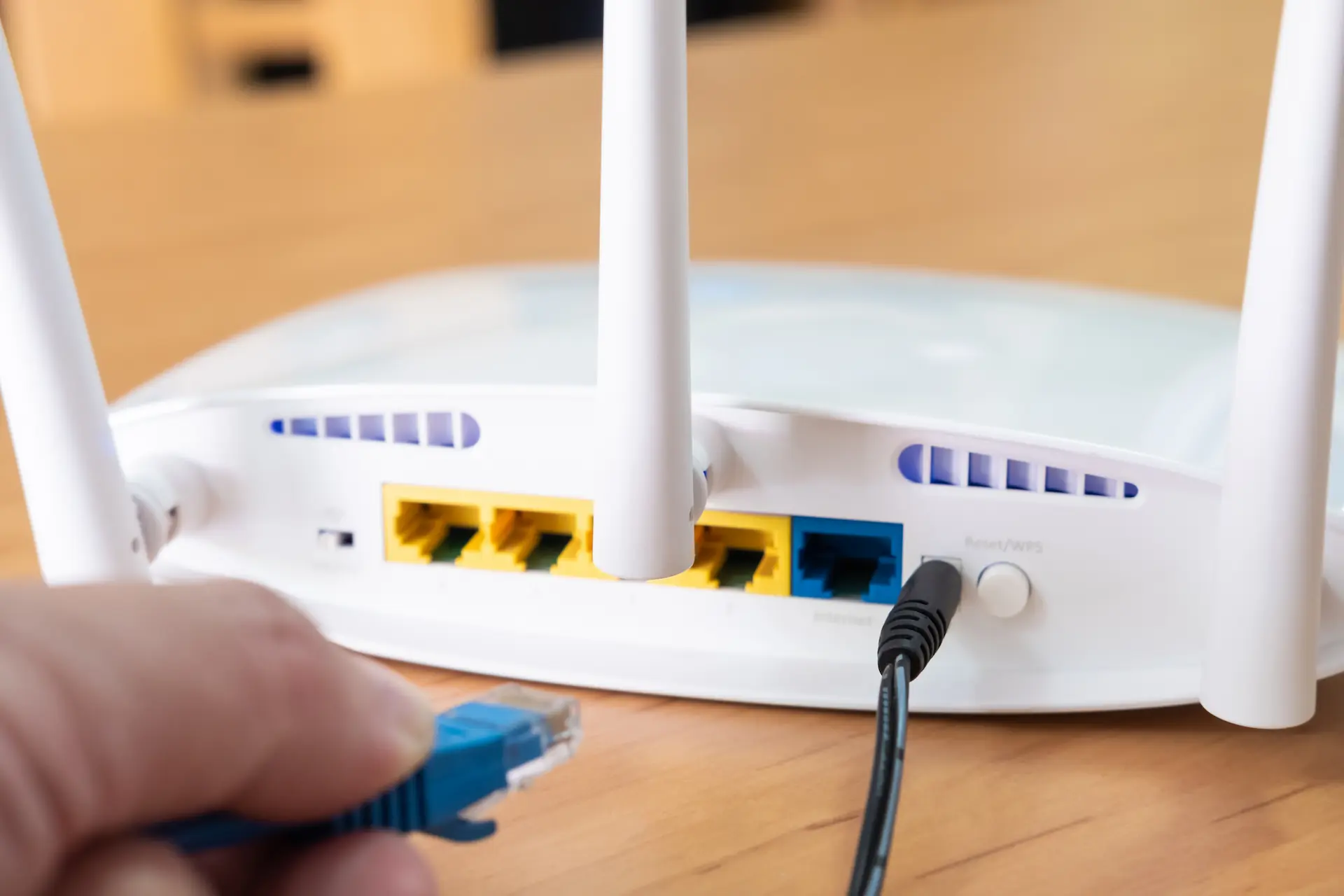
A reliable home network is the foundation of everything else. I configure routers, deploy mesh systems, eliminate dead zones, and walk you through how your network is set up.
A reliable network is the foundation of everything else in a modern home. If your Wi-Fi drops in the back bedroom, your smart devices go intermittent, or streaming stutters at the worst possible moment, the fix is almost always in how the network is set up, not in buying more hardware. Phoenix homes add a layer most ISP installers never account for: thick stucco-over-block and CMU interior walls that eat Wi-Fi signal the way nothing else does. A router that covers a typical frame house may cover half of yours.
I do a coverage survey first, plan node placement around the actual walls, and leave you with one seamless network instead of a patchwork of overlapping signals and dead corners.
What I Offer
Router & Modem Setup
Full configuration of your router and modem: channel selection, band steering, QoS, firewall basics, and firmware. Done right the first time so you are not coming back to it in six months.
Mesh Wi-Fi Deployment
Placement, configuration, and coverage testing of mesh nodes sized to your footprint. Larger Phoenix ranch homes and two-story builds with an upstairs office need nodes positioned around the block walls, not just plugged in wherever there is an outlet. Detached casitas and guest houses get their own coverage, not a dying signal borrowed from the main house.
Dead-Zone Fixes & Coverage Survey
I walk the home with a signal meter, find the weak spots, and solve them with better placement, added nodes, or a wired backhaul, whichever is appropriate for your layout. Stucco and block walls are usually the culprit; I already know how to route around them.
Network Security Basics
WPA3, a properly segmented guest network, default-password cleanup, and a short walk-through so you understand what is running on your network and what is not.
What It Costs
Most single-visit Wi-Fi jobs fit inside the first hour included with the $125 service fee. Mesh deployments in larger or more complex homes take longer, billed at the hourly rate after the first hour. You know the number before I start any work.
- $125 service fee includes travel and the first hour on site. Router and modem setup or a focused coverage fix typically finishes within this window.
- $75/hr beyond the first hour. A full mesh deployment in a larger home typically runs 2 to 3 hours total.
- $60 per mesh node added as an add-on to a network visit, when more nodes go in after the initial setup.
- $125 total labor for a standalone Wi-Fi optimization and coverage survey (about 1.5 hours), including the service fee, if the network is already installed and you just need to know where the gaps are and how to close them.
- Hardware is customer-supplied or HandyMack-sourced. Either way, you see the hardware cost on the invoice before anything ships.
Business-grade VLANs, structured wiring, multi-AP commercial builds, and whole-home Ethernet runs are outside this service. Those are custom-scoped under Complex Networking. See the callout on the Services page or call (480) 885-6292.
Ready to get your Home Internet & Wi-Fi done?
Book a service call and I’ll quote the scope up front, so you know the cost before I start. Want to talk it through first? Call or text (480) 885-6292.
Areas I serve
HandyMack handles home internet & wi-fi across northwest Phoenix and the greater Valley. I’m based in Stetson Valley and work throughout nearby neighborhoods including Stetson Valley, Stetson Hills, Deer Valley, Norterra, Happy Valley, Union Hills, Desert View, North Phoenix. I also serve Phoenix, Peoria, Glendale, Surprise, Sun City, and the surrounding Phoenix metro. Not sure if you’re in range? Call or text (480) 885-6292 with your zip code and I’ll confirm.
Frequently asked questions
How much does a Wi-Fi setup cost?
The $125 service fee includes travel and the first hour, which is enough for most single-visit router setups and focused dead-zone fixes. Beyond that, I bill $75/hr. A full mesh deployment in a larger home typically runs 2 to 3 hours. Adding mesh nodes after the initial visit is $60 per node. A standalone Wi-Fi optimization and coverage survey is a flat $125 (about 1.5 hours); that is the total labor price for the survey and the service fee is not added again.
Why does my Wi-Fi die in the back of my house?
In most Phoenix homes it is the walls. Stucco-over-block and CMU interior walls absorb Wi-Fi signal far more aggressively than wood-frame construction. A router that covers a typical frame house may reach only half of yours. The fix is usually a mesh node placed on the far side of the problem wall, not a more powerful router in the same spot. I walk the home with a signal meter before placing anything, so node locations are chosen around the actual walls, not guessed.
Mesh system or Wi-Fi extender? Which should I get?
For most Phoenix homes with block walls, a mesh system wins. Extenders rebroadcast the signal they receive, which means they repeat the degraded signal from the far side of a block wall and cut your bandwidth in half. A mesh system uses a dedicated backhaul channel (or a wired backhaul) between nodes, so devices roam seamlessly and the node placement around the wall actually solves the problem instead of extending a weak signal. I will give you a straight recommendation based on your home before you buy anything.
Do I need to supply my own router or modem?
Customer-supplied hardware is preferred: it keeps your costs down and you own the equipment outright. If you want a model recommendation sized to your home and your internet plan, I can advise before your appointment. If you would rather skip the shopping, I can source it and you see the hardware cost on the invoice.
How long does a Wi-Fi setup take?
A router and modem setup typically finishes in about 1.5 hours. A mesh deployment in a home with block walls, a two-story layout, or a detached casita usually runs 2 to 3 hours. I will give you a realistic time estimate when you describe your home.
Can you get Wi-Fi to a detached casita or guest house?
Yes. A detached casita usually needs its own mesh node or a point-to-point wireless bridge, depending on how far it sits from the main house and whether there is a conduit run between them. I plan the right solution during the coverage walk before recommending anything.
When does this become a bigger project?
Business-grade VLANs, full structured-wiring runs, multi-AP commercial deployments, and whole-home Ethernet infrastructure are custom-scoped work. Those fall under Complex Networking on the Services page. Call or text (480) 885-6292 and I will tell you quickly which bucket your project falls into.
What areas do you service?
I am based in Stetson Valley and serve Phoenix, Peoria, Glendale, Sun City, Surprise, and the greater Phoenix Valley. Scottsdale is case-by-case. Call (480) 885-6292 with your zip code if you are not sure.
Reviews
What neighbors say
5.0from 12 Google reviews
17Faves on Nextdoor
5.0from 1 Yelp review
“Best person I’ve ever had to do work for me. Professional, quality work. Definitely recommend and will use again!”
“My grandma had just moved to Peoria from Chicago and we needed to feel hat she'd be safe with no one out there to be with her. We were recommended Joe at HandyMack Tech and he responded quickly, unlike others. Came out and have a fair quote. To put us at ease, he installed Reolink cameras, set up the app for me and her so we could see from Chicago. Installed some smart fall alert sensors and a view of the camera if there is a fall. Even though we are far away we feel much better about our grandmas safety thanks to Joe!”
Powered by Google